Prepare the assessment, not just the form
Confirm the applicable requirement and assessment scope. Identify the person leading the assessment and the people who can explain access, networking, physical protection, media handling, and system maintenance. Give them time to locate current records and investigate unclear answers.
Use 32 CFR 170.15 and the applicable objectives as the reference. A software questionnaire can organize the work, but it cannot decide whether an objective is satisfied without the underlying facts. Agree on where supporting notes and records will be maintained and who can access them. Keep sensitive implementation details in an approved location.
Evaluate the objectives with appropriate methods
Read each requirement and its objectives before choosing evidence. Determine what documents or configurations should be examined, who should be interviewed, and what operation should be tested. The June 2018 NIST SP 800-171A methods provide relevant assessment context, as incorporated for Level 1 by the CMMC rule.
For example, an access-control review may involve an authorization record, a discussion with the owner, and a check of actual permissions. If those disagree, investigate the discrepancy. Record what you observed and how it supports the conclusion. Avoid turning an unanswered question into MET simply to finish the questionnaire.
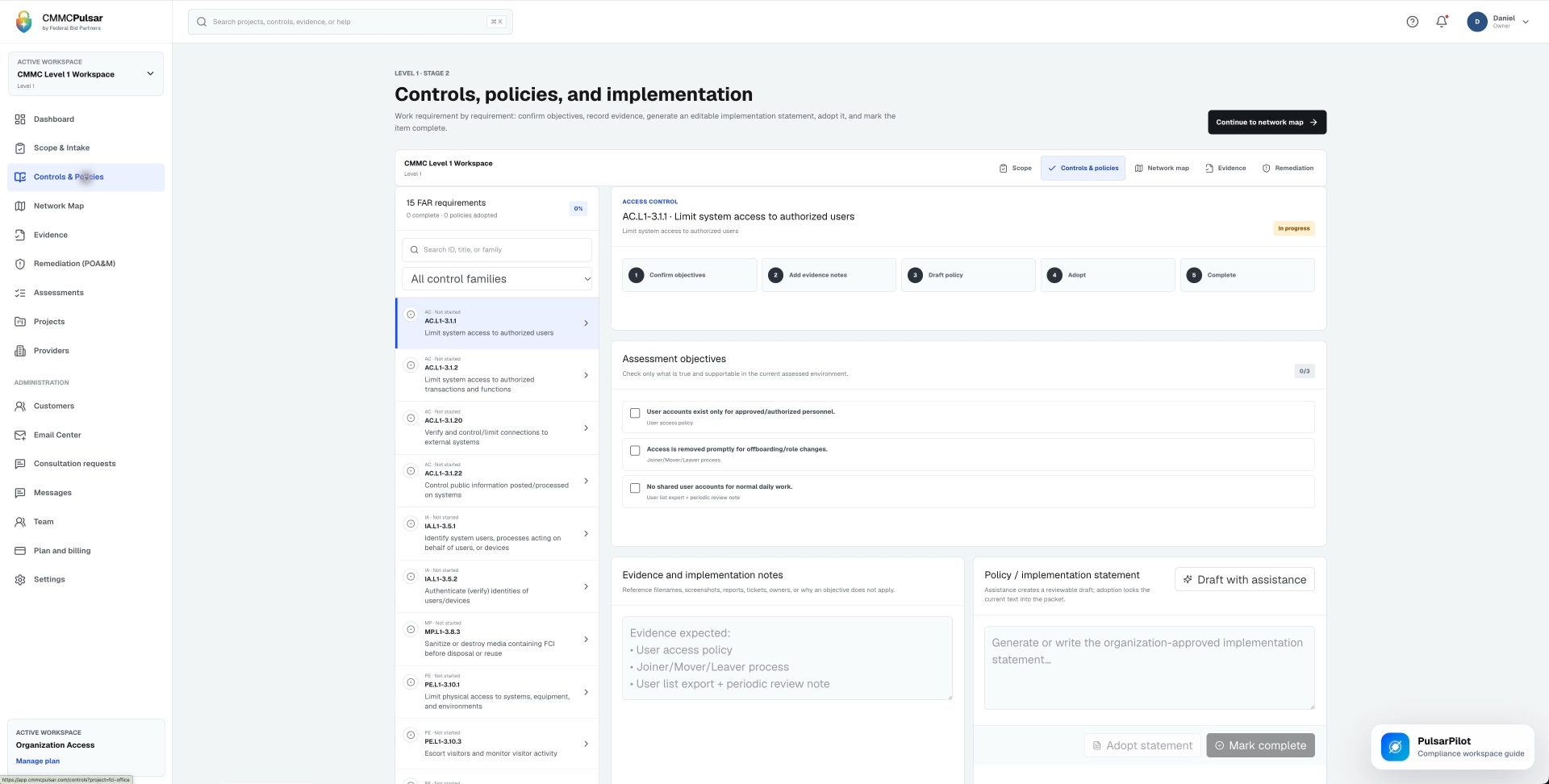
Use the gap list as a work queue
A gap entry should describe the deficiency precisely enough for someone to fix it. Include the affected systems, the owner, the intended correction, dependencies, and how the correction will be checked. Revisit the assessment conclusion after the implementation has changed.
Level 1 does not allow POA&Ms to stand in for unmet requirements. Keep a remediation backlog if it helps manage the project, but distinguish it from a completed assessment. For each closed gap, retain enough context to explain what changed and why the revised conclusion is supported.
Review before submission and preserve the handoff
Ask a second responsible person to review the scope, conclusions, and remaining questions. Confirm which organization and systems the result covers. Then coordinate the SPRS entry and the Affirming Official’s review as distinct responsibilities, even if one person holds more than one role.
Keep the final internal assessment record and check the saved SPRS result after entry. Read the SPRS preparation guide before starting the portal step. Schedule annual maintenance and earlier checks after meaningful changes so the next assessment begins with a maintained record.
Sources & further reading
- 32 CFR 170.15: Level 1 self-assessment ↗
- NIST SP 800-171A, June 2018: assessment procedures ↗
- SPRS: CMMC reference materials and entry tutorials ↗
- 32 CFR 170.22: affirmation ↗
Published October 24, 2026. Government and company references were checked while preparing this page. General information and practical workflow suggestions; confirm the requirements and services that apply to your organization.