Begin with business activities and information flows
Interview the people who perform contract work, not only the IT administrator. Ask where assignments arrive, where files are saved, what gets printed, and how work leaves the organization. Include remote work and outside collaboration when they occur.
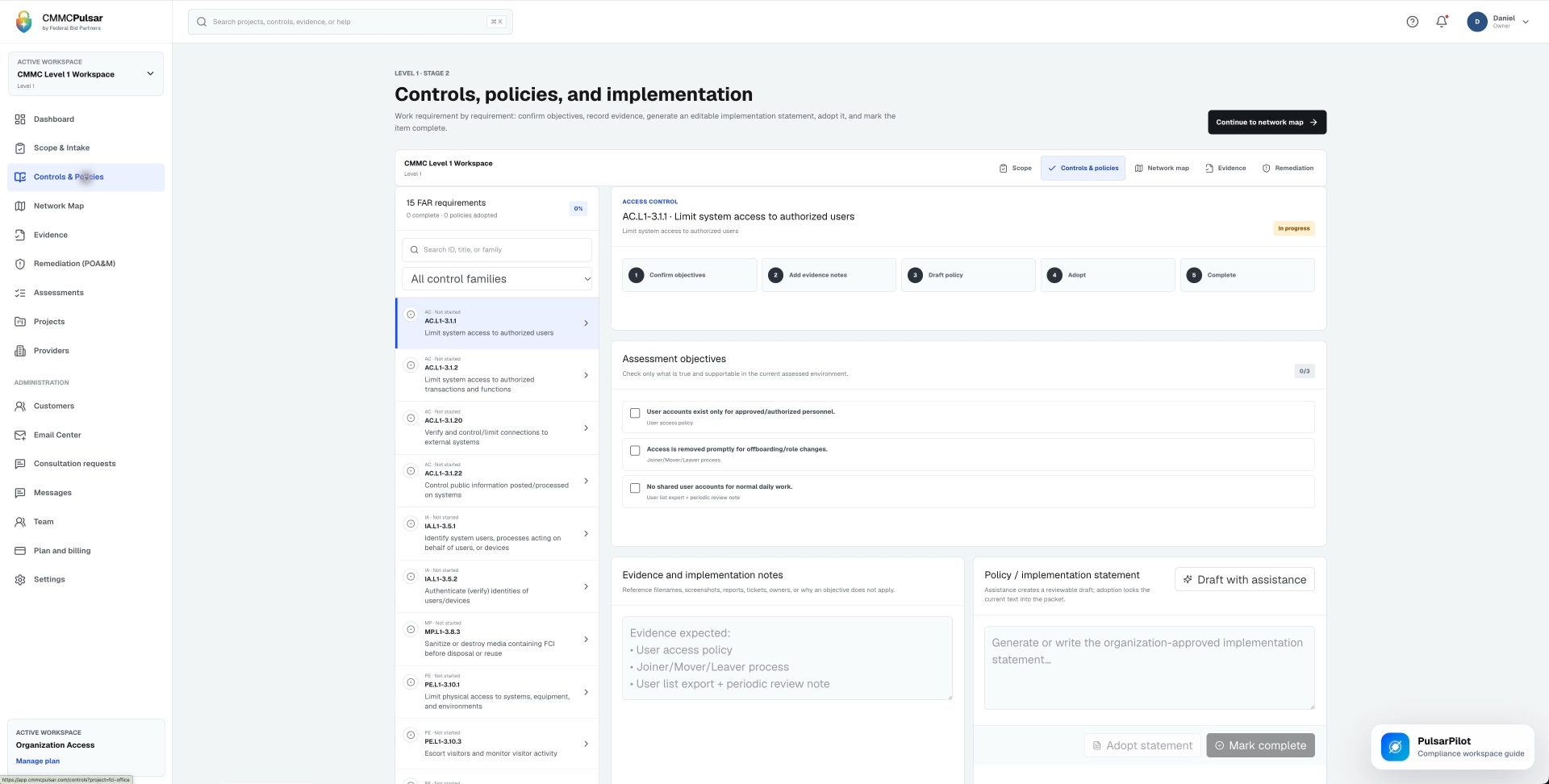
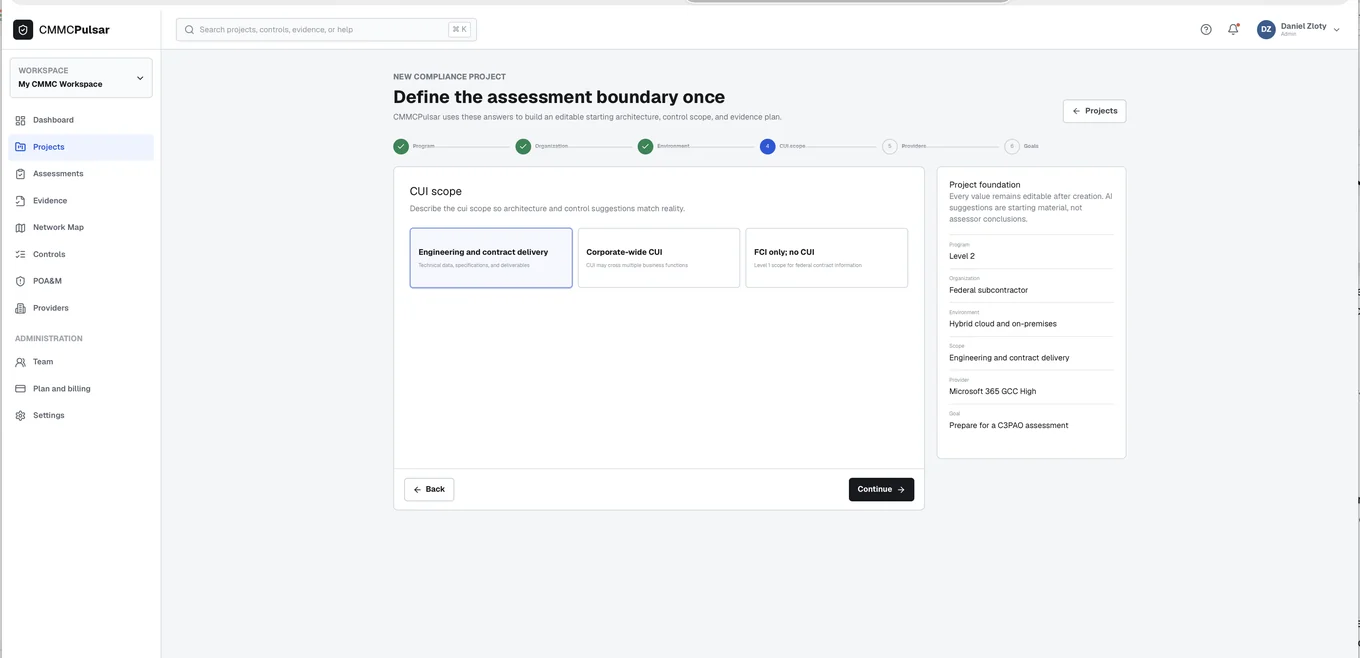
Build an initial list of the systems involved and validate it against configurations and actual use. A useful scope worksheet includes the system, purpose, information handled, owner, and relationship to other systems. This is a suggested planning aid. Apply the official rule when deciding treatment, including its specific exclusions and conditions, rather than treating the worksheet as the rule itself.
Resolve the overlooked connections
Look at mobile access, personal-device practices, synchronized folders, forwarded email, shared accounts, and third-party support. These are questions to investigate, not automatic conclusions about scope. A documented prohibition is only persuasive if the working environment and employee behavior support it.
Where a system is considered outside the scope, understand the factual basis for that conclusion. Level 1 has specific scoping language for systems that do not handle FCI, specialized assets, and certain VDI configurations. Read those conditions directly and involve a qualified technical lead when deciding whether the environment actually satisfies them.
Make the boundary understandable
Use an inventory and a simple diagram to explain the chosen environment. Show relevant identities, repositories, workstations, network connections, and provider relationships. The diagram should help a teammate understand the flow without needing a presentation from its author.
For a fictional small design business, that might mean explaining how contract email reaches a managed laptop and an approved shared repository, then how the work is delivered. The useful detail is the relationship among the systems. Decorative icons cannot compensate for a missing remote-access path or an unreviewed data-sharing process.
Review scope when the business changes
Assign an owner to review the boundary after a new application, provider, office, or contract workflow is introduced. Ask whether the change creates a new information route, modifies an existing one, or changes who performs a safeguard.
Record the decision and update the supporting inventory, implementation notes, and assessment plan together. Before the next annual assessment, check that the scope still describes the current organization. The network diagram guide provides a practical way to maintain this record. A diagram is an aid to explanation; the actual environment remains the basis for the scope.
Sources & further reading
- 32 CFR 170.19: assessment scoping ↗
- 32 CFR 170.15: Level 1 self-assessment ↗
- FAR 52.204-21: the basic safeguarding clause ↗
Published October 24, 2026. Government and company references were checked while preparing this page. General information and practical workflow suggestions; confirm the requirements and services that apply to your organization.